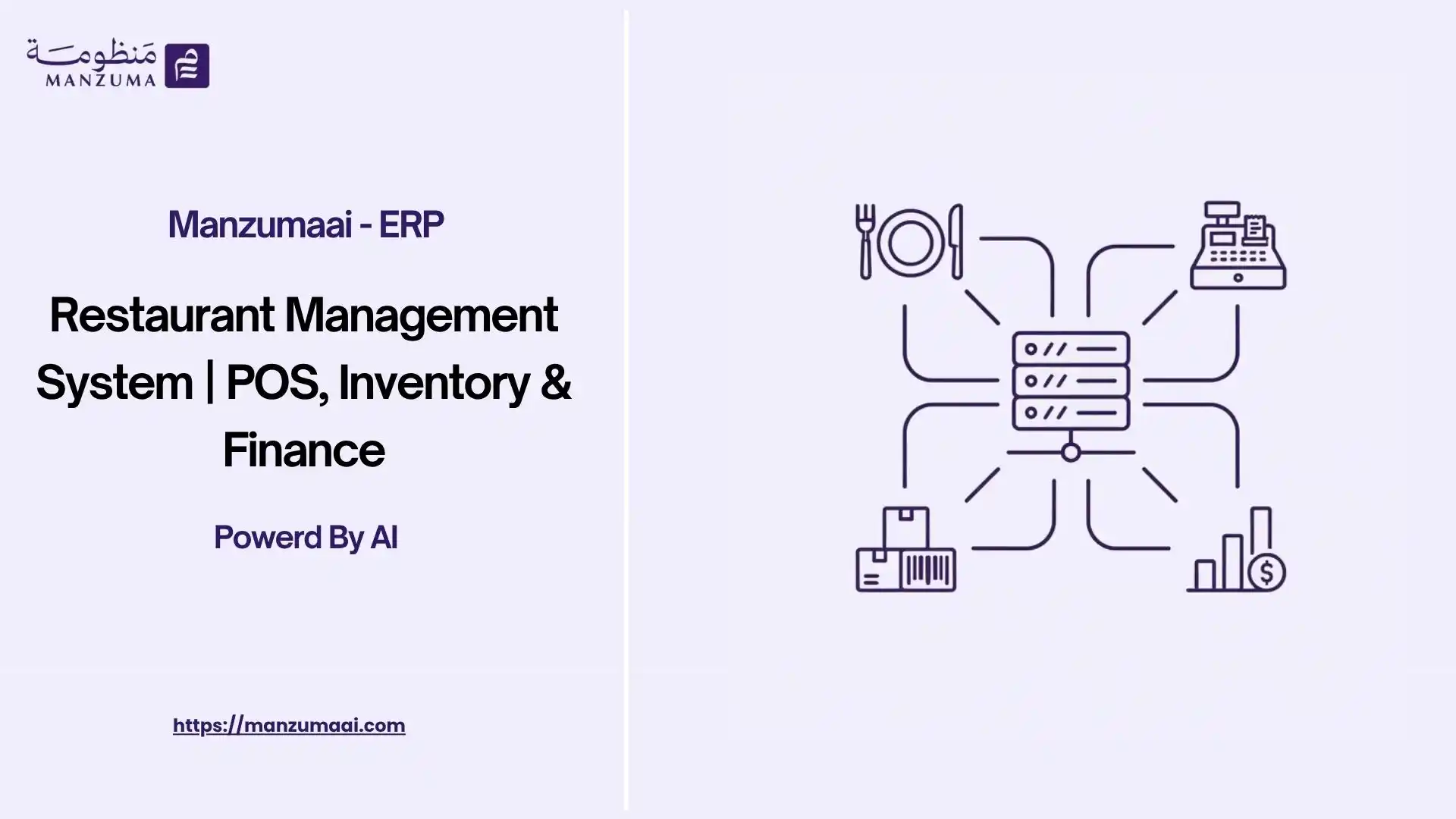
- What Is a Restaurant Management System?
- Why Does a Restaurant Need an Integrated Management System?
- What Problems Can Integration Help Solve?
- What Are the Core Features of a Restaurant Management System?
- How Does a Restaurant POS System Improve Order and Payment Processing?
- How Does a Restaurant Management System Connect Orders, Cashiers, and the Kitchen?
- How Can Restaurants Track Orders From Entry to Completion?
- How Does Restaurant Software Connect Sales With Inventory?
- How Can Recipe Management Improve Food Cost Control?
- How Does a Restaurant Management System Help Control Food Costs?
- How Can Restaurant Software Connect Purchasing With Inventory?
- How Does ERP Integration Improve Restaurant Accounting?
- How Can a Restaurant Management System Support Multi-Branch Operations?
- How Can Restaurant Software Help Track Waste and Inventory Loss?
- How Do Employee Shifts Fit Into Restaurant Management?
- How Should You Choose the Right Restaurant Management System?
- How Can Manzuma AI Support Restaurant Operations?
- What Can an Integrated Restaurant ERP Help With?
- How Does an ERP System Bring Restaurant Operations Together?
- How Should You Implement an ERP System in a Restaurant?
- What Should You Look for in a Restaurant ERP Platform?
- How Can You Get Started With a Restaurant Management System?
- FAQs
- What is a Restaurant Management System?
- Is a Restaurant Management System the same as POS software?
- Can restaurant software connect POS with inventory?
- Can a Restaurant Management System track food costs?
- Can restaurant software manage recipes?
Running a restaurant involves far more than taking orders and processing payments
A delayed order at the cashier, an unexpected shortage of ingredients, or a mismatch between sales and inventory can quickly become an operational problem When these processes are managed through separate tools, spreadsheets, and disconnected systems, it becomes harder for restaurant managers to understand what is happening across the business
Instead of managing every process separately, restaurant teams can work with connected data and give management a clearer view of daily operations
What Is a Restaurant Management System?
A Restaurant Management System is software designed to organize and manage the operational processes involved in running a restaurant
Depending on the platform, it can cover areas such as:
- Order and sales management
- Point of Sale (POS)
- Table management
- Kitchen operations
- Inventory and warehouse management
- Recipe and ingredient management
- Purchasing and supplier management
- Food cost tracking
- Accounting and financial management
- Employee and shift management
- Business reporting
The exact functionality varies between solutions, so restaurants should evaluate software based on the processes they actually need to manage
The biggest advantage of an integrated system is the connection between these functions
A sale can be linked to inventory and financial records, while a purchase can be connected to suppliers, stock levels, expenses, and accounting
Key takeaway: A restaurant management platform should not only process payments It should help connect the entire operational cycle behind each sale
Why Does a Restaurant Need an Integrated Management System?
A restaurant may start with a POS system, a spreadsheet for inventory, accounting software for financial records, and separate tools for purchasing or employee management
This approach may work at a small scale, but as order volumes, employees, products, and branches increase, disconnected systems can create unnecessary administrative work
Employees may have to transfer information from one application to another, reconcile different records, and manually prepare reports
An integrated restaurant ERP environment can reduce this fragmentation by connecting related processes within one system
What Problems Can Integration Help Solve?
A connected system can help address challenges such as:
- Repeated sales data entry
- Limited inventory visibility
- Difficulty tracking ingredient costs
- Poor connection between purchasing and consumption
- Fragmented financial data
- Limited visibility across branches
- Heavy reliance on spreadsheets
- Manual reconciliation between systems
Pro Tip: Do not choose restaurant software simply because it includes a POS Ask whether the POS can communicate with inventory, purchasing, accounting, and reporting
What Are the Core Features of a Restaurant Management System?
The right feature set depends on the restaurant's business model, but an integrated solution may cover the following areas:
| Business Area | What the Restaurant Needs to Manage |
| Sales | Orders, invoices, and payments |
| POS | Day-to-day transactions |
| Tables | Table status and associated orders |
| Inventory | Ingredients, quantities, and stock movements |
| Recipes | Ingredients and quantities required for menu items |
| Purchasing | Procurement and replenishment |
| Suppliers | Supplier records and transactions |
| Food Cost | Ingredient and menu-item costs |
| Accounting | Revenue, expenses, and financial transactions |
| Employees | Shifts and employee records |
| Reporting | Sales, inventory, cost, and performance data |
For restaurants and hospitality businesses, an ERP solution can go beyond front-of-house operations by connecting POS, recipes, ingredient costs, purchasing, suppliers, shifts, tables, and waste tracking
ERP For Restaurants And Hospitality
How Does a Restaurant POS System Improve Order and Payment Processing?
The POS is one of the most important operational touchpoints in a restaurant
It records customer orders, processes sales, manages payments, and generates transaction records according to the system's configuration
But the value of POS software increases significantly when it is connected to the rest of the restaurant's operations
Instead of treating every sale as an isolated transaction, an integrated POS can become part of a broader workflow e-involving, inventory, accounting, and reporting
For example:
Customer Order → POS → Invoice → Inventory Impact → Accounting → Reporting
The exact workflow depends on the system and its configuration, but the principle is straightforward: the sales transaction should contribute to the broader business data environment
Key insight: A POS handles the transaction An integrated ERP connects that transaction to the rest of the business
How Does a Restaurant Management System Connect Orders, Cashiers, and the Kitchen?
A restaurant order does not end when the cashier enters it
The order may need to move through several operational stages before the customer receives it Depending on the restaurant's setup, these may include order entry, kitchen preparation, delivery to the table, payment, and inventory updates
An integrated system can help create a more structured flow of information between these points
A Simplified Restaurant Order Workflow
Customer → Order Entry → POS → Kitchen Preparation → Order Fulfillment → Payment → Business Records
For restaurants with table service, the workflow may also include:
Table → Order → POS → Kitchen → Table Service → Payment
Not every restaurant management system supports every stage in exactly the same way Businesses should therefore verify the specific POS, kitchen, table, and workflow capabilities before implementation
How Can Restaurants Track Orders From Entry to Completion?
Order management becomes increasingly important during peak periods when restaurants may be processing many transactions simultaneously
A structured workflow can help teams manage:
- Customer orders
- Menu items and quantities
- Order status
- Kitchen preparation
- Table assignments
- Payment status
- Completed transactions
- Related inventory activity
This creates a clearer operational trail from the initial order to the completed sale
The objective is not to automate every decision It is to reduce unnecessary manual coordination and give staff access to the information required at each stage
How Does Restaurant Software Connect Sales With Inventory?
Inventory is one of the most important areas of restaurant management because food businesses deal with perishable ingredients, recipes, variable consumption, and frequent stock movements
When sales and inventory are disconnected, managers may know how many items were sold without having an immediate view of what those sales mean for ingredient consumption
With an integrated system, menu items can be associated with recipes and ingredient requirements where the platform supports this functionality
For example:
Menu Item Sold → Recipe Components → Ingredient Consumption → Updated Inventory Data
This can help restaurant teams monitor stock levels and identify potential replenishment requirements
Important: Inventory accuracy still depends on correct recipes, purchasing records, stock movements, waste entries, and physical inventory controls Software cannot compensate for inaccurate operational data
How Can Recipe Management Improve Food Cost Control?
Recipe management allows restaurants to define the ingredients and quantities associated with menu items
This creates a foundation for understanding the expected ingredient cost of a dish
For example, a recipe may specify:
- Ingredient quantities
- Unit measurements
- Ingredient costs
- Menu item
- Expected consumption
When recipe data is connected to inventory and sales, restaurants can gain greater visibility into the relationship between what they sell and the ingredients they consumeThis is particularly useful when menu prices,
ingredient costs, or purchasing prices change over time
How Does a Restaurant Management System Help Control Food Costs?
Revenue alone does not provide a complete picture of restaurant performance
A restaurant may generate strong sales while facing rising ingredient costs, excessive waste, purchasing inefficiencies, or other operating expenses
An integrated system can help management monitor different elements of the cost structure
Restaurant Managers May Need to Track:
- Sales revenue
- Ingredient costs
- Purchases
- Operating expenses
- Supplier balances
- Inventory movements
- Waste and spoilage
- Menu-item costs
- Branch performance
Pro Tip: Do not evaluate restaurant performance based on sales alone Revenue needs to be analyzed alongside food costs, purchasing, inventory, waste, and operating expenses
How Can Restaurant Software Connect Purchasing With Inventory?
Purchasing and inventory are closely connected
When a restaurant orders ingredients from a supplier, the transaction affects procurement records and eventually stock levels If these processes are managed separately, employees may need to manually reconcile
purchase records with inventory
An integrated workflow can connect:
Purchase Order → Supplier → Goods Received → Inventory → Cost Data → Accounting
This gives the purchasing team and management a clearer view of what has been ordered, received, and recorded
It can also help restaurants establish more structured replenishment processes based on stock requirements and operational demand
How Does ERP Integration Improve Restaurant Accounting?
Restaurant accounting involves more than recording daily sales
Management may need to monitor revenue, purchases, expenses, supplier balances, inventory values, payroll, and other financial transactions
When sales, purchasing, inventory, expenses, and accounting are managed through disconnected applications, employees may spend additional time transferring and reconciling information
An integrated ERP environment can connect operational transactions with financial records
Financial Information May Include:
- Sales revenue
- Invoices
- Purchases
- Operating expenses
- Supplier balances
- Payments
- Inventory-related financial data
- Accounting entries
- Financial reports
This gives management a more connected view of how daily restaurant operations affect the financial side of the business
How Can a Restaurant Management System Support Multi-Branch Operations?
Managing one restaurant is different from managing a restaurant group
With multiple locations, management may need to monitor:
- Sales by branch
- Inventory by location
- Purchasing activity
- Employee shifts
- Supplier relationships
- Branch expenses
- Product performance
- Financial results
- Consolidated reports
A centralized ERP environment can help bring branch data into a common operational framework while maintaining appropriate access controls
This can reduce the need to collect information manually from each location before preparing management reports
Key consideration: Multi-branch functionality should be tested against the company's actual structure, including warehouses, POS terminals, users, permissions, and reporting requirements
How Can Restaurant Software Help Track Waste and Inventory Loss?
Food waste can affect both inventory and profitability
Waste may result from spoilage, preparation losses, damaged ingredients, incorrect storage, overproduction, or other operational factors
A restaurant management platform that supports waste tracking can help record these movements rather than leaving them outside the inventory process
When waste data is connected with inventory and purchasing information, management can investigate patterns and identify areas that require operational attention
Important: Waste tracking is only useful when employees record waste consistently and accurately
How Do Employee Shifts Fit Into Restaurant Management?
Restaurants often operate across multiple shifts, making employee scheduling and attendance an important operational requirement
Depending on the ERP platform, restaurant teams may be able to connect employee records and shift information with broader HR and payroll processes
This can help management organize:
- Employee records
- Working shifts
- Attendance information
- Leave records
- Payroll data
- Branch assignments
The objective is to avoid treating restaurant operations and workforce administration as completely separate activities
How Should You Choose the Right Restaurant Management System?
The selection process should begin with the restaurant's actual workflow rather than a marketing feature list
Start by mapping how an order moves through the business
A Practical Selection Process
1- Define your business model
Determine whether you operate a restaurant, café, food outlet, central kitchen, or multi-branch group
2- Map your operational touchpoints
Identify your cashier, POS, tables, kitchen, warehouse, purchasing, accounting, and management reporting requirements
3- Review inventory requirements
Determine whether you need ingredient-level stock tracking, recipes, warehouse management, waste tracking, or stock valuation
4- Define accounting requirements
Identify the revenue, expenses, supplier balances, payments, and financial reports management needs
5- Test system integration
Verify whether sales can connect with inventory and accounting rather than operating as isolated transactions
6- Evaluate branch and shift management
This is especially important for restaurant groups and businesses operating across multiple locations
Test usabilityEmployees should be able to understand the workflow without unnecessary complexity
7- Consider scalability
The system should be able to accommodate additional users, transactions, products, warehouses, or branches as the business expands
How Can Manzuma AI Support Restaurant Operations?
Manzuma AI provides a cloud ERP environment designed to connect core business operations within a unified platform
For the restaurant and hospitality sector, its available functionality includes areas such as:
- POS integration
- Recipe management
- Ingredient cost tracking
- Table management
- Shift management
- Supplier management
- Waste tracking
- Sales and invoicing
- Inventory and warehouse management
- Purchasing and expenses
- Accounting and reporting
- HR and payroll
The broader ERP structure means restaurant operations can be connected with financial and administrative processes instead of being managed through completely separate systems
What Can an Integrated Restaurant ERP Help With?
Connect sales and inventory
Sales transactions can be connected with relevant inventory processes according to system configuration
Manage recipes and ingredients
Restaurants can organize recipe information and associated ingredient costs where supported
Monitor purchasing and suppliersProcurement activity and supplier information can be managed alongside broader business data
Track tables and shifts
Restaurant-specific operational information can be organized within the ERP environment
Monitor waste
Waste-related information can be incorporated into inventory management where the relevant functionality is configured Connect operations with accounting
Sales, purchases, expenses, and other transactions can be connected with financial records
Centralize business information
Management can work with data from multiple operational areas within a unified environment
How Does an ERP System Bring Restaurant Operations Together?
The central ERP concept is simple: business information should not have to live in disconnected silos
A restaurant sale can have implications for invoicing, inventory, accounting, and reporting
A purchase can affect suppliers, stock levels, expenses, and financial records
A recipe can connect a menu item with its ingredient requirements
A multi-branch operation can generate data that management needs to analyze across locations
A Simplified Integrated Workflow
Menu Item Sold → POS → Invoice → Inventory Update → Accounting Entry → Management Report
Another example:
Ingredient Requirement → Purchase → Supplier → Stock Receipt → Inventory → Cost Data → Accounting
The exact workflow depends on the system configuration, but the principle is to create connected business processes instead of isolated transactions
How Should You Implement an ERP System in a Restaurant?
Moving to an ERP platform does not necessarily mean activating every feature on the first day
- A phased implementation can be easier to manage
- A Practical Implementation Roadmap
- Identify the restaurant's biggest operational bottlenecks
- Start with core processes such as sales, POS, and inventory
- Connect purchasing and accounting workflows
- Configure recipes and ingredient costs where required
- Set up users, roles, permissions, and shifts
- Train employees on the new workflows
- Monitor reports and operational data after launch
- Expand the system as the restaurant's needs evolve
Pro Tip: Successful ERP implementation starts with process mapping Configure the software around the restaurant's real workflow instead of forcing employees to work around the software
What Should You Look for in a Restaurant ERP Platform?
Before making a decision, evaluate the platform across several operational dimensions:
| Area | Key Questions |
| POS | Can it handle the restaurant's sales workflow? |
| Inventory | Can it track ingredients and stock movements? |
| Recipes | Can menu items be connected to ingredients? |
| Purchasing | Can procurement and suppliers be managed centrally? |
| Accounting | Are sales and expenses connected to financial records? |
| Tables | Does it support the required table workflow? |
| Employees | Can shifts and employee data be managed? |
| Reporting | Can management access useful operational reports? |
| Multi-branch | Can multiple locations be managed appropriately? |
| Scalability | Can the system support future growth? |
| Usability | Can employees learn and use it efficiently? |
The right system is the one that fits the restaurant's operational model and connects the processes that matter most
How Can You Get Started With a Restaurant Management System?
Start by identifying where your restaurant currently loses time or visibility
Look at the full workflow:
Orders → POS → Kitchen → Inventory → Purchasing → Accounting → Reporting
Then identify which parts are currently managed through separate applications, spreadsheets, or manual processes
Once these gaps are clear, evaluate ERP and restaurant management platforms based on their ability to connect those workflows
For restaurants considering Manzuma AI, the next step is to review the business model, number of branches, POS requirements, inventory structure, recipes, purchasing process, accounting needs, and reporting requirements to determine the appropriate ERP configuration
Orders affect sales Sales affect inventory Inventory is influenced by purchasing and recipes Purchases affect costs and accounting Employee shifts support daily operations, while management reporting brings the resulting data together
A well-designed Restaurant Management System connects these processes so that restaurant teams can spend less time transferring information between disconnected tools and more time managing the operation itself
FAQs
What is a Restaurant Management System?
A Restaurant Management System is software that helps manage restaurant operations such as POS, orders, inventory, purchasing, recipes, accounting, employees, and reporting
Is a Restaurant Management System the same as POS software?
Not necessarily POS focuses primarily on sales transactions, while a broader restaurant management or ERP system can connect POS with inventory, purchasing, accounting, HR, and reporting
Can restaurant software connect POS with inventory?
Yes, when the platform supports POS-inventory integration This can connect sales activity with relevant inventory movements according to the system configuration
Can a Restaurant Management System track food costs?
It can if the system supports recipe and ingredient cost management Connecting recipes, ingredient prices, inventory, and sales can provide greater visibility into menu-item costs
Can restaurant software manage recipes?
Some platforms support recipe management, allowing restaurants to associate menu items with ingredients and quantities The exact capabilities vary by system
Ready to Organize Your Business?
Try Manzuma free for 14 days — no credit card, no commitment.