- What Is a Barcode Scanner for Inventory and How Does It Work?
- Why Is Barcode Scanning Important for Inventory Management?
- How Does a Barcode Scanner Connect Inventory With Sales and Invoicing?
- How Can Barcode Scanning Improve Stock Accuracy?
- What Should You Look for in a Barcode Inventory System?
- Can Barcode Scanning Help Prevent Inventory Discrepancies?
- How Does a Barcode Scanner Support Inventory Counting?
- How Does Manzuma AI Connect Barcode-Based Inventory With Business Operations?
- How Do You Set Up Barcode Scanning for Inventory?
- How Can You Choose the Right Barcode Scanner for Your Inventory Operations?
- Why Is ERP Integration More Important Than the Scanner Itself?
- How Can Businesses Get More Value From Barcode Inventory Management?
- FAQs
- Does a Barcode Scanner for Inventory update stock automatically?
- Can barcode scanning be connected to POS and invoicing?
- Can one ERP system manage barcodes across multiple branches?
- Can I use barcode scanning for physical inventory counts?
- Can barcode inventory data be connected to accounting?
- Does barcode scanning completely eliminate inventory errors?
eManaging dozens or hundreds of products can quickly turn routine inventory tasks into a time-consuming process Finding the right item, updating stock after a sale, receiving new products, or completing a physical count can all become more difficult when employees rely on manual searches and data entry
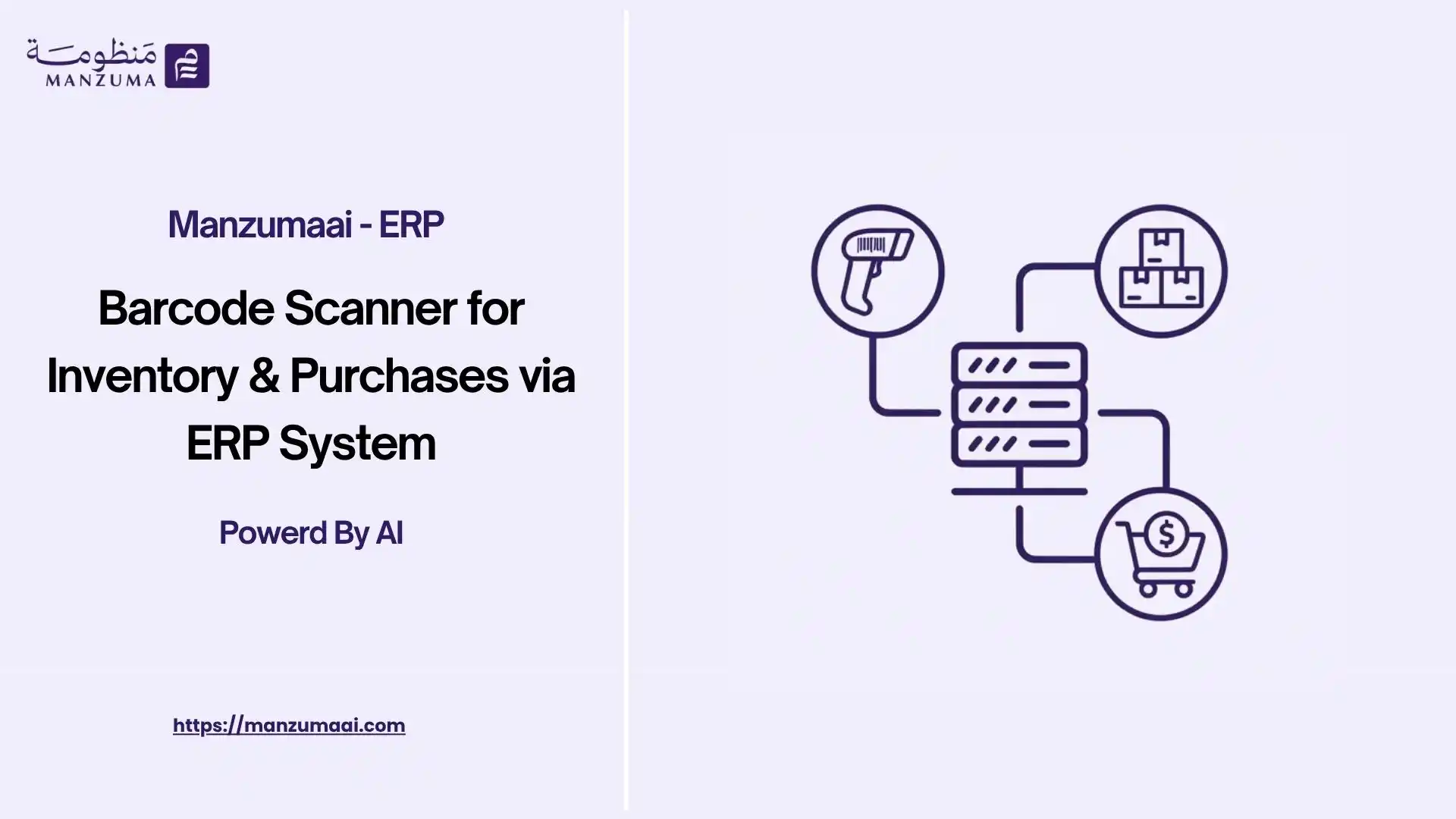
A Barcode Scanner for Inventory provides a faster way to identify products and record inventory transactions When barcode scanning is integrated with an ERP system, its value goes beyond the checkout counter Each scan can become part of a connected workflow linking products, inventory, sales, purchasing, invoicing, and accounting
The goal is not simply to scan products faster It is to create more accurate and connected inventory data across the business
What Is a Barcode Scanner for Inventory and How Does It Work?
A barcode scanner is a device used to read the visual code assigned to a product and retrieve the corresponding product information from a business system
When a barcode is linked to a product record in an ERP or inventory management system, employees can scan the item instead of manually searching for its name or entering product information
A typical workflow looks like this:
Product Barcode → Product Identification → Inventory or Sales Transaction → Stock Update
Barcode scanning can be used across different inventory processes, including:
- Retail sales
- Product receiving
- Stock transfers
- Inventory counting
- Stock adjustments
- Product picking and issuing
- Warehouse operations
The important point is that a barcode is not an inventory management system by itself The scanner identifies the product; the ERP system records and manages what happens to that product
Why Is Barcode Scanning Important for Inventory Management?
In the trading industry, as product catalogs, warehouses, branches, and daily transactions grow, relying entirely on manual product searches becomes increasingly inefficient.
A Barcode Scanner for Inventory can reduce the amount of manual information entry required when employees identify products and record transactions
Key operational benefits include:
- Faster product identification
- Less manual data entry
- More consistent product records
- Faster sales and receiving workflows
- More efficient stock counting
- Better visibility into product movements
- Easier inventory management across multiple locations
- More structured data for reporting
The benefits become more significant when barcode scanning is connected to an ERP platform
Instead of creating a separate barcode workflow, businesses can connect product identification with the inventory, sales, purchasing, and accounting processes already managed inside the ERP
How Does a Barcode Scanner Connect Inventory With Sales and Invoicing?
In a retail environment, an employee can scan a product at the point of sale to identify the item and add it to the transaction
Once the sale is completed, the transaction can be connected to the relevant inventory and e-invoicing workflows
Read More: The Best ERP System Compatible with E-Invoicing?
A simplified ERP workflow is:
Scan Barcode → Identify Product → Add to Sale → Update Inventory → Generate Invoice → Record Financial Impact
This eliminates the need to manually search for every product and helps maintain a connected flow of information
Manzuma AI integrates Point of Sale with inventory synchronization and connects sales, invoicing, inventory, and accounting within its cloud ERP environment
Pro Tip: When evaluating an ERP system, don't ask only whether it supports barcode scanning Test what happens after the scan The real value comes from the complete workflow—from product identification to inventory update and financial recording
Barcode Scanner via ERP System
Can a Barcode Scanner Track Products Across Warehouses and Branches?
Yes, barcode scanning can be used to identify products during warehouse and branch operations, but the actual tracking process depends on the capabilities and configuration of the inventory management system
In a multi-location business, a barcode can help employees identify the correct product during:
- Receiving
- Warehouse transfers
- Branch transfers
- Product issuing
- Sales
- Stock counting
- Inventory adjustments
Manzuma AI supports multiple warehouses and branches, along with inventory movement tracking, receiving, transfers, issuing, stock counts, and adjustments
| Inventory Process | Role of Barcode Scanning |
| Receiving | Identify products as they enter inventory |
| Branch Transfers | Identify products during transfers |
| Sales | Add the correct product to the transaction |
| Stock Counting | Speed up product identification |
| Adjustments | Support verification of physical quantities |
| Inventory Tracking | Associate transactions with the relevant product |
Important: The barcode identifies the product The ERP or inventory management system is responsible for recording and tracking the transaction associated with that product
How Can Barcode Scanning Improve Stock Accuracy?
Inventory accuracy depends on the quality of the transactions recorded in the system
When receiving, sales, transfers, issues, and adjustments are properly recorded, the available stock balance can be calculated from those transactions rather than relying on separate spreadsheets or manual estimates
A barcode-enabled inventory workflow can look like this:
- Create product records and opening quantities
- Assign the appropriate barcode to each product
- Record incoming inventory
- Scan products during sales or stock movements
- Update inventory based on recorded transactions
- Monitor stock levels and low-stock alerts
- Reorder products or transfer stock when required
Manzuma AI states that its inventory management capabilities include real-time stock updates and low-stock alerts, alongside support for multiple branches and warehouses
Key takeaway: A barcode scanner does not prevent stockouts on its own It helps improve the accuracy and efficiency of the inventory data that management relies on to monitor stock levels and plan replenishment
What Should You Look for in a Barcode Inventory System?
Choosing inventory software should go beyond checking whether a platform has a barcode scanning feature
The more important question is how barcode data interacts with the rest of your business operations
| Evaluation Area | What to Look For |
| Product Management | Structured product records and identifiers |
| Barcode Management | Easy barcode assignment and scanning |
| Inventory | Automatic updates based on recorded movements |
| Warehouses | Support for multiple storage locations |
| Branches | Centralized visibility across locations |
| POS | Direct connection between sales and inventory |
| Stock Counting | Efficient physical inventory workflows |
| Accounting | Connection between inventory transactions and financial data |
| Reporting | Clear visibility into stock and product movements |
| User Permissions | Role-based access and transaction controls |
| Scalability | Support for growing product and transaction volumes |
Important: Don't evaluate the system through a marketing demo alone Test a complete scenario that includes receiving a product, selling it, transferring it between locations, counting the stock, and reviewing the resulting inventory balance
How Does an ERP-Based Barcode Scanner Improve Warehouse Management?
Barcode scanning becomes significantly more useful when it is part of a broader warehouse management workflow
Instead of treating the barcode as a standalone identification tool, a best cloud ERP system can use the scanned product as the starting point for a transaction
For example:
Scan → Identify → Record Movement → Update Stock → Store Transaction Data → Report
This can help warehouse teams work with more consistent product information while giving management greater visibility into inventory movements
For businesses operating multiple warehouses, the same approach can support centralized monitoring while maintaining separate stock quantities for each location
Can Barcode Scanning Help Prevent Inventory Discrepancies?
Barcode scanning can reduce certain types of manual identification and data-entry errors, but it does not eliminate every source of inventory discrepancy
Differences can still result from:
- Unrecorded stock movements
- Incorrect product setup
- Damaged or missing items
- Incorrect quantities
- Duplicate product records
- Incorrect barcode assignments
- Unauthorized adjustments
- Process or training issues
This is why barcode scanning should be combined with appropriate inventory controls, user permissions, regular stock counts, and clear operating procedures
An ERP system can provide the broader framework for recording and reviewing these transactions
How Does a Barcode Scanner Support Inventory Counting?
Physical stock counting can become difficult when employees have to identify products manually across large warehouses or stores
A barcode scanner can speed up the identification stage by allowing employees to scan products as they count them
A typical counting workflow can include:
- Define the warehouse or location being counted
- Scan each product
- Record the physical quantity
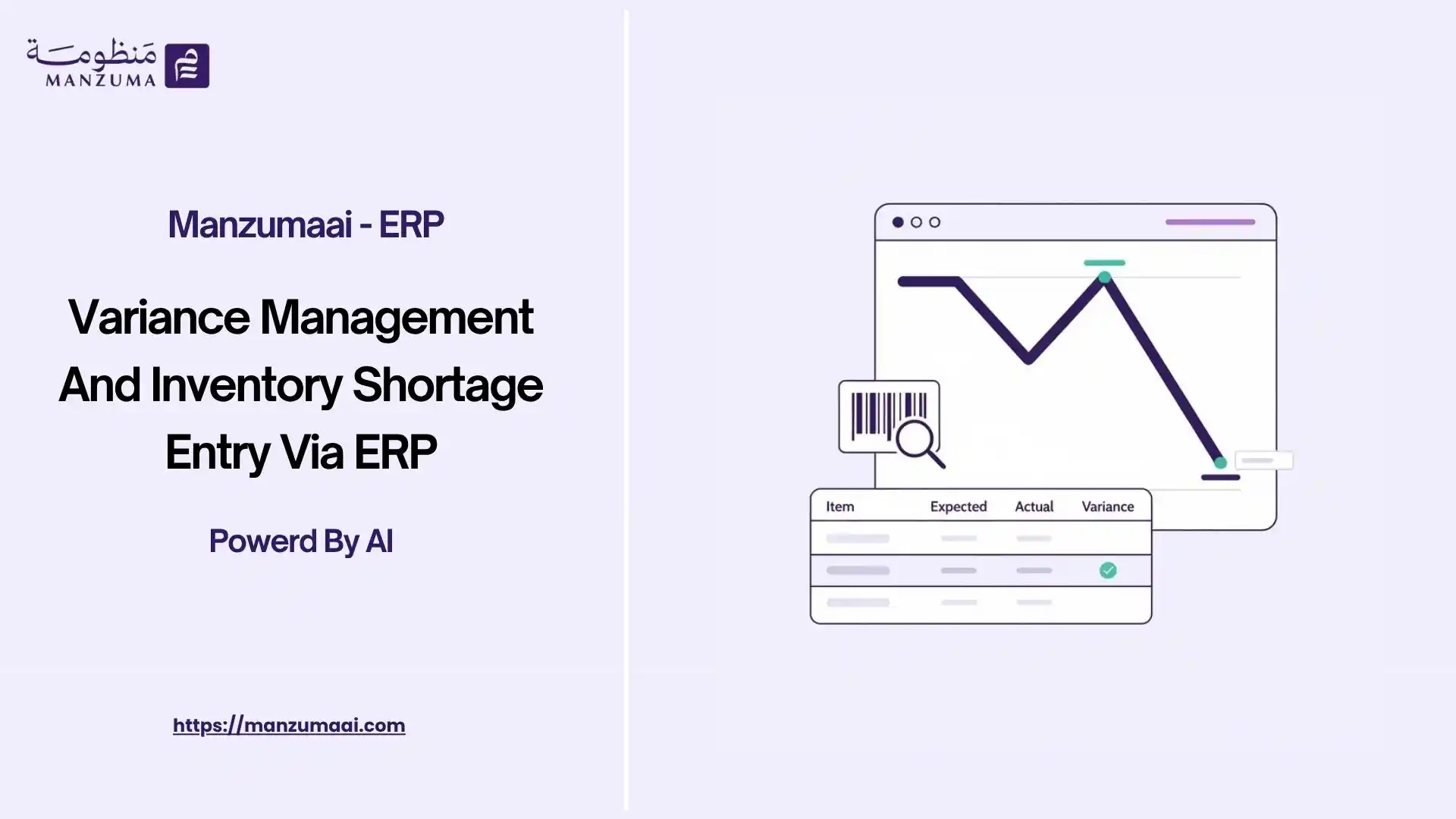
- Compare physical quantities with system quantities
- Investigate significant differences
- Record approved inventory adjustments
- Review the updated stock balance
This approach can make stock counts more structured and reduce the need for employees to manually search for product records
However, barcode scanning does not replace inventory controls The business still needs a defined counting process and procedures for reviewing discrepancies
How Does Manzuma AI Connect Barcode-Based Inventory With Business Operations?
Manzuma AI provides a cloud-based ERP environment that connects sales, invoicing, inventory, warehouses, accounting, and other business functions
Its inventory capabilities include support for multiple branches and warehouses, inventory movement tracking, stock counts, adjustments, and low-stock alerts
The platform also connects inventory with sales, purchasing, and accounting, while its POS functionality supports inventory synchronization
This integrated approach allows businesses to manage product data and the transactions affecting stock from a centralized ERP environment
Key capabilities include:Centralized product and inventory management
- Multi-warehouse inventory
- Multi-branch operations
- Inventory movement tracking
- Stock counting and adjustments
- Low-stock notifications
- POS and inventory synchronization
- Sales and inventory integration
- Purchasing and inventory integration
- Inventory and accounting connectivity
- Cloud-based access
Manzuma also provides Munjiz AI, an AI-powered assistant that can help users retrieve reports and analyze sales and inventory data, adding an analytical layer to the operational information stored in the ERP
How Do You Set Up Barcode Scanning for Inventory?
Implementing barcode scanning works best when it is integrated into a clearly defined inventory workflow
1- Organize Your Product Database
Make sure product names, SKUs, units, prices, quantities, and other relevant information are accurate and consistently structured
2- Assign Barcodes to Products
Link each barcode to the correct product record in the ERP or inventory management system
3-Set Up Warehouses and Locations
If your business operates across multiple warehouses or branches, configure each location before starting regular operations
4- Configure User Permissions
Define which employees can receive, sell, transfer, count, or adjust inventory
5- Train Your Teams
Sales and warehouse employees should understand how to scan products and record the transactions associated with each scan
6- Test the Complete Workflow
Test receiving, selling, transferring, counting, and adjusting inventory before going live
7 Monitor Inventory Reports
Use stock reports, movement reports, and low-stock alerts to identify discrepancies and products that require replenishment
Manzuma AI provides a cloud-based environment that can be accessed from supported devices and also describes Arabic-language support and user training resources
How Can You Choose the Right Barcode Scanner for Your Inventory Operations?
The right scanning solution depends on your environment and the type of inventory work your employees perform
Consider the following:
Scanning Environment
A retail checkout environment may require a different scanner setup from a warehouse where employees move continuously between storage locations
Scanning Volume
Businesses processing hundreds or thousands of scans daily should evaluate scanner speed, reliability, and ease of use
Device Compatibility
Make sure the scanner works with the computers, POS terminals, mobile devices, or ERP environment used by your team
Barcode Types
Confirm that the scanning solution supports the barcode formats used on your products
Connectivity
Consider whether your operation requires wired, wireless, Bluetooth, or mobile scanning
ERP Integration
Most importantly, make sure the scanning process works with your inventory and ERP workflows rather than creating another isolated data source
Why Is ERP Integration More Important Than the Scanner Itself?
A high-quality scanner can identify a product quickly, but the scanner is only one part of the inventory process
The business value comes from what happens with the information after the scan
Consider the difference:
- Standalone Scanner
- Scan → Identify Product
- ERP-Integrated Scanner
Scan → Identify Product → Record Transaction → Update Inventory → Connect Sale/Purchase → Update Financial Data → Report
This is why businesses should evaluate the entire technology workflow instead of selecting hardware based only on scanning speed or price
How Can Businesses Get More Value From Barcode Inventory Management?
Barcode scanning works best when combined with accurate master data and disciplined inventory processes
Businesses can improve results by:
- Standardizing product names and SKUs
- Avoiding duplicate product records
- Assigning the correct barcode to each product
- Defining warehouse locations clearly
- Establishing stock-count procedures
- Training employees before deployment
- Restricting inventory adjustments through permissions
- Reviewing inventory movement reports
- Monitoring low-stock levels
- Testing integrations before going live
The scanner can make data capture faster, but the ERP system and business processes determine how that data is ultimately used
A Barcode Scanner for Inventory is more than a tool for speeding up checkout operations When connected to an ERP system, barcode scanning can become part of a complete inventory workflow linking product identification with sales, purchasing, stock movements, counting, invoicing, and accounting
The scanner handles identification The ERP system provides the structure needed to record, connect, and analyze what happens to each product
For businesses managing multiple products, warehouses, or branches, this combination can create a more organized approach to inventory control and provide management with clearer visibility into stock levels and product movements
With its cloud-based ERP environment, inventory management, POS integration, multi-location capabilities, and AI-powered business assistance, Manzuma AI provides businesses with a centralized platform for connecting inventory operations with the wider business
FAQs
Does a Barcode Scanner for Inventory update stock automatically?
When a scan is used as part of a recorded inventory or sales transaction, the resulting stock change can be reflected in the ERP according to its configured workflow Manzuma AI states that its inventory system provides real-time stock updates
Can barcode scanning be connected to POS and invoicing?
Yes Barcode scanning can identify products during a POS transaction, while an integrated ERP can connect the sale with inventory and invoicing Manzuma AI supports POS and inventory synchronization
Can one ERP system manage barcodes across multiple branches?
Yes An ERP can manage products and inventory across multiple branches when its architecture supports multi-location operations Manzuma AI supports multiple warehouses and branches and tracks inventory movements between locations
Can I use barcode scanning for physical inventory counts?
Yes Scanning can speed up product identification during stock counts, while the ERP system can record quantities and manage approved inventory adjustments
Can barcode inventory data be connected to accounting?
Yes When inventory transactions are integrated with ERP accounting workflows, the financial impact of relevant inventory movements can be connected to the accounting system
Does barcode scanning completely eliminate inventory errors?
No It can reduce errors associated with manual product identification and data entry, but discrepancies can still result from incorrect product setup, missing transactions, damaged goods, wrong quantities, or process issues
Ready to Organize Your Business?
Try Manzuma free for 14 days — no credit card, no commitment.